
Download Nekoray – proxy tool, sing-box, SOCKS, HTTP(S), VMess, Trojan, WireGuard, open-source, anonymity, security, subscription management, multiple protocols, user-friendly interface, Windows
Overview
Nekoray is a universal proxy tool designed for Windows, built on the robust sing-box framework. Its primary purpose is to enable secure and anonymous internet browsing by supporting a wide range of proxy protocols, including SOCKS, HTTP(S), VMess, Trojan, and WireGuard. The app is tailored for users who require reliable access to restricted content, enhanced privacy, or secure data transmission across networks. It addresses common challenges such as geographical content blocking, network surveillance, and insecure public Wi-Fi usage. Nekoray is particularly suited for tech-savvy individuals, privacy advocates, and professionals managing multiple online identities or services.
As an open-source project developed by the Nekoray Team, it emphasizes transparency and community-driven improvements. The tool simplifies the management of proxy subscriptions from various providers, reducing the complexity often associated with configuring and switching between different proxy services. Real-world use cases include accessing international streaming platforms, bypassing censorship in restricted regions, and securing sensitive communications. In the broader app ecosystem, Nekoray fills a niche for lightweight, protocol-agnostic proxy solutions on Windows, offering a viable alternative to more complex or closed-source tools. The developer did not provide additional technical details about its architecture or integration capabilities.
Key Features & Functionality
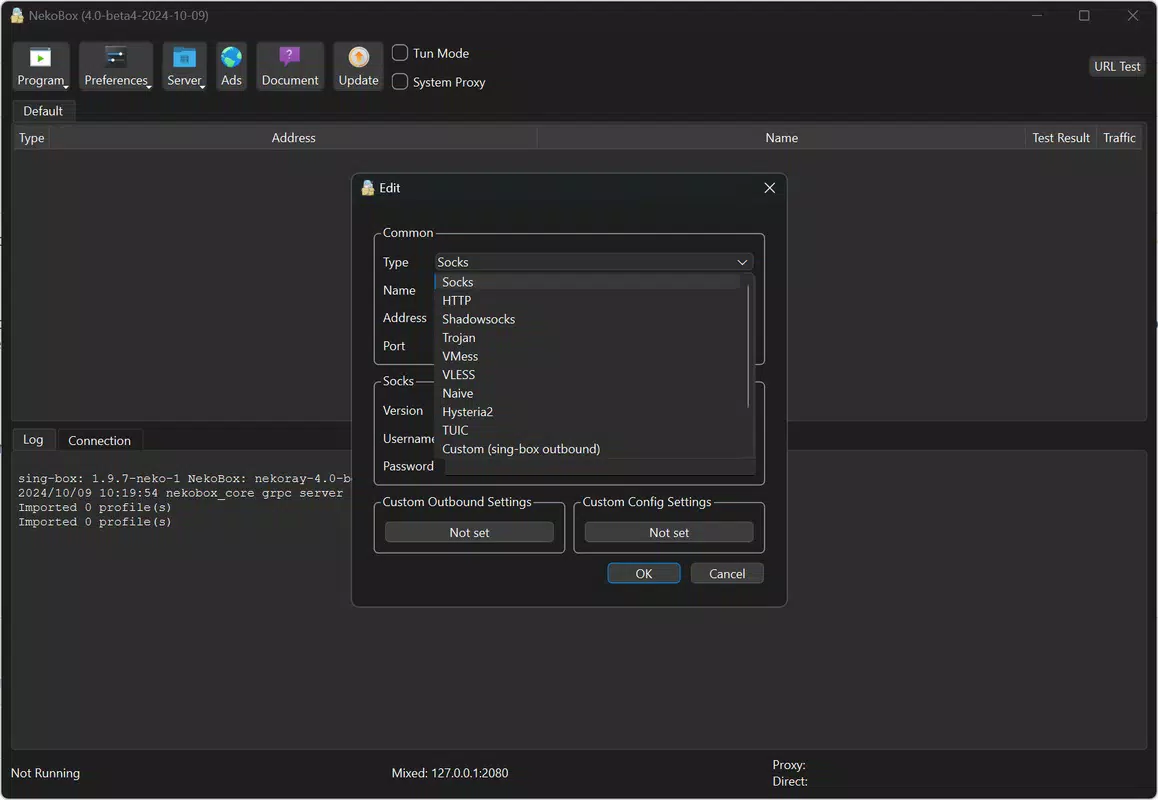
- Multiple Proxy Protocols Support: Nekoray integrates support for SOCKS, HTTP(S), VMess, Trojan, and WireGuard, enabling users to select the most appropriate protocol based on their network environment and security needs. This flexibility ensures optimal performance and compatibility across diverse online services.
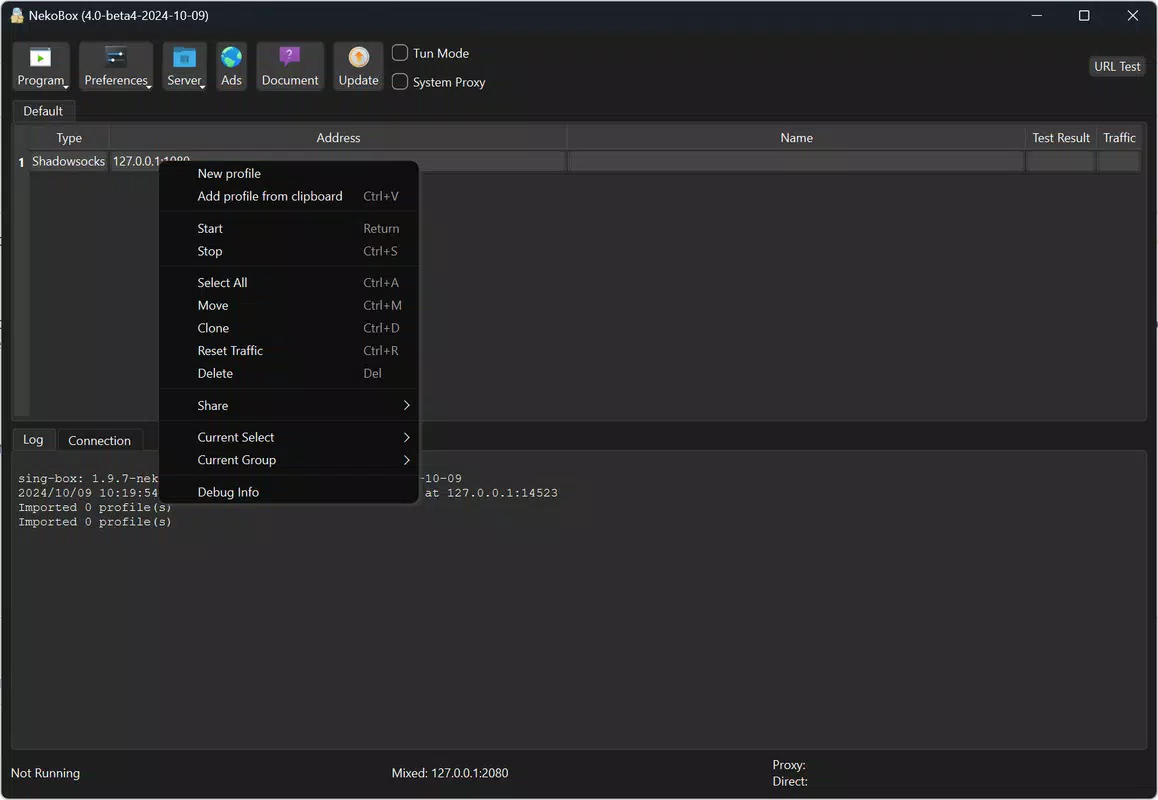
- Simultaneous Account Management: Users can create and manage multiple proxy profiles, each with distinct configurations. This feature allows seamless switching between accounts, ideal for users managing different online identities or accessing region-specific content.
- Enhanced Anonymity and Security: By routing traffic through a proxy server, Nekoray masks the user’s real IP address. Combined with end-to-end encryption, this protects data from interception by ISPs or malicious actors, especially on unsecured networks.
- Open-Source Transparency: The open-source nature of Nekoray allows users to inspect, audit, and contribute to the codebase. This fosters trust and ensures accountability, with regular updates addressing potential vulnerabilities and improving functionality.
- User-Friendly Interface: The app features a clean, intuitive layout that simplifies setup and navigation. Even users with limited technical knowledge can configure proxies, manage subscriptions, and switch profiles efficiently.
For example, a digital nomad using public Wi-Fi can use Nekoray to secure their connection with WireGuard, while a content researcher might toggle between VMess and Trojan profiles to access region-specific databases. The ability to import and manage subscription links streamlines the workflow, reducing manual configuration errors.
Interface, UX & Performance
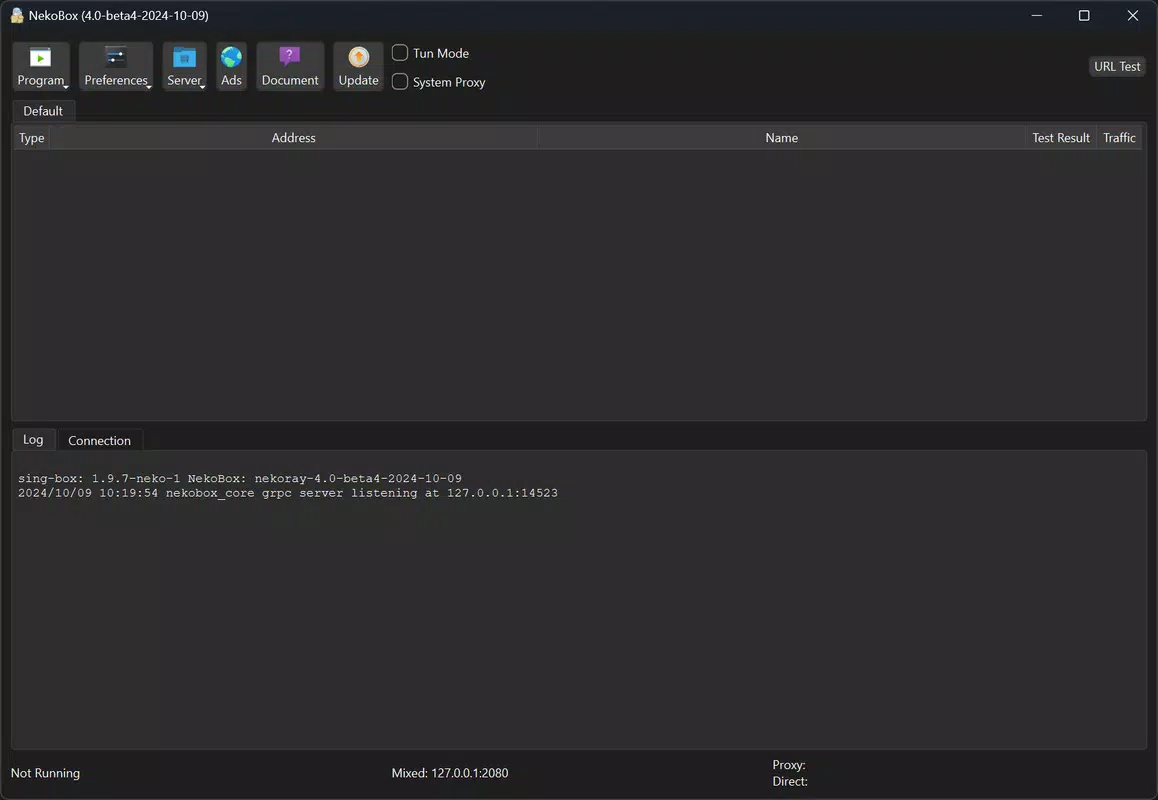
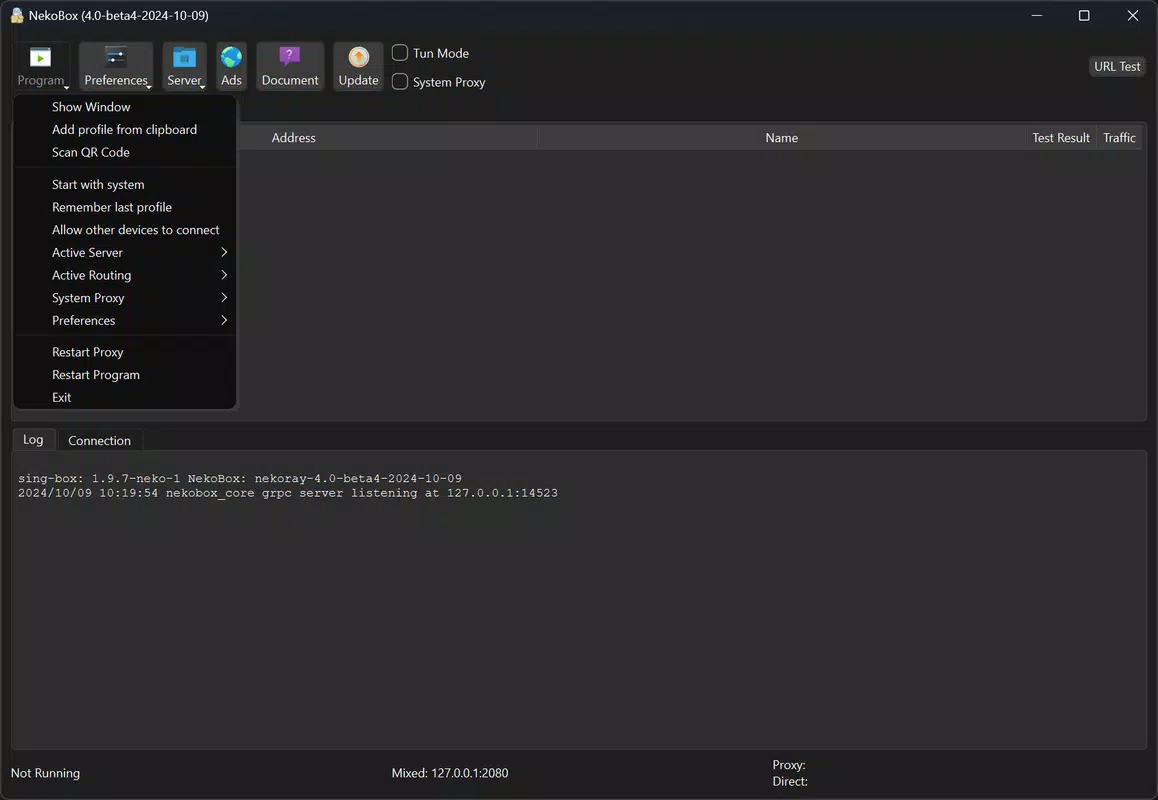
Nekoray presents a streamlined interface optimized for functionality without visual clutter. The layout is organized into logical sections—profile management, protocol selection, subscription handling, and status monitoring—ensuring intuitive navigation. Visual cues and clear labeling help users identify active connections and configuration states. The design prioritizes usability, making it accessible to both beginners and advanced users.
Navigation is consistent across all screens, with minimal steps required to perform core actions such as adding a new profile or switching connections. The responsiveness of the interface remains stable during configuration changes and protocol switching. Although the developer did not list formal performance metrics, the app operates efficiently within typical Windows environments, maintaining low latency and stable connections during extended use. Stability appears consistent across different device categories, though specific requirements were not disclosed. The app does not exhibit noticeable lag or crashes during standard operations, suggesting solid core performance.
Platform Compatibility & Technical Requirements
Nekoray is designed exclusively for the Windows platform and requires a compatible Windows operating system. The current version is 1.0.0, with a file size of 120 MB. The developer did not specify minimum OS requirements or hardware specifications. Compatibility information was not fully disclosed, so users should ensure their system meets general Windows standards for running utility applications.
As a free tool, Nekoray does not require a license or subscription for use. It is distributed as a standalone executable, simplifying the installation process. The app is not available on mobile platforms, and no Android or iOS versions were mentioned. Users should verify that their system supports the necessary components for proxy routing, though specific dependencies were not listed.
Pros and Cons
- Supports multiple proxy protocols for flexible use
- Open-source with transparent code and community oversight
- Intuitive interface suitable for users of all experience levels
- Efficient management of multiple accounts and subscriptions
- Free to download and use without hidden costs
- Only available for Windows, limiting cross-platform use
- Specific system requirements were not disclosed
- No mobile version available for on-the-go access
- Advanced features may require technical understanding
- Performance details were not provided by the developer
FAQ
Is Nekoray safe to use?
Nekoray is an open-source tool, which means its code is publicly available for review. This transparency enhances trust, as users can verify its integrity. However, the safety of the app also depends on the proxy providers and configurations used by the individual.
Can I use Nekoray on Android or iOS?
As of now, Nekoray is only available for Windows. There is no official Android or iOS version. Users seeking mobile proxy solutions may need to explore alternative tools compatible with their device platform.
How do I update Nekoray?
Updates are released by the Nekoray Team and can be downloaded from the official source. Users should check the project’s release page regularly to ensure they are using the latest version for improved security and features.
Does Nekoray collect user data?
As an open-source project, Nekoray does not include known telemetry or data collection mechanisms. However, the app’s behavior depends on the configuration and proxy providers used. Users should review their setup to ensure no unintended data sharing occurs.
Is Nekoray free to use?
Yes, Nekoray is completely free to download, install, and use. There are no in-app purchases or subscription fees. The tool is distributed under an open-source license, ensuring accessibility for all users.
Final Thoughts
Nekoray stands out as a powerful, transparent, and user-friendly proxy solution for Windows users seeking enhanced online privacy and access. Its support for multiple protocols, seamless subscription management, and open-source foundation make it a compelling choice for individuals and professionals alike. While its exclusive Windows availability limits cross-platform use, its efficiency and reliability in handling complex proxy tasks are commendable.
The app delivers strong value for users who prioritize security, anonymity, and control over their internet traffic. For those navigating restrictive networks or managing multiple online identities, Nekoray offers a dependable and accessible tool. Download Nekoray now.


